How Does Wi-Fi Even Work?
- wireless
- technology
- internet
- networking
The Basics: Radio Waves and Wireless Networks
You are sitting in a café with your laptop, and you connect to the Wi-Fi network. Your device sends and receives data from the internet without any cables. But how? The answer is hidden in the air around you: Wi-Fi uses radio waves to information between your device and a router via .
Radio waves are invisible electromagnetic waves, just like the waves that carry FM radio signals or cellular phone calls. Radio waves are all around you all the time, carrying information . Think of them as an invisible highway where your data travels at the speed of light.
Wi-Fi is the catchy name an industry alliance came up with to market devices that transmit large amounts of data over short distances using radio waves . The letters "Wi-Fi" don't actually stand for anything—it is simply a marketing term that was chosen because it sounds friendly and easy to remember.
The Two Frequencies: 2.4 GHz and 5 GHz
Most modern routers broadcast on two different frequencies. Two radio-wave frequencies can be used, depending on the amount of data being sent: 2.4 gigahertz and 5 gigahertz .
2.4 GHz: The Older, Longer-Range Option
The lower the frequency, the farther a transmission can go. With Wi-Fi, 2.4 gigahertz is the lower frequency, so it can reach computers located farther away than the 5 gigahertz band can . This means your device can connect to the internet from farther away, and the signal passes through walls more easily.
However, there is a (a disadvantage in one area that balances an advantage in another). Many other household devices use the same 2.4 GHz radio frequency as your router, including microwaves, baby monitors, cordless phones, cell phones, garage door openers, and your neighbor's router . When many devices use the same frequency, they interfere with each other, like many people trying to talk at the same time in a loud room.
5 GHz: The Newer, Faster Option
The lower 2.4 GHz band offers longer range at lower data rates, while 5 GHz and 6 GHz offer much faster speeds . The 5 GHz frequency was introduced to solve the problem. The 5 GHz Wi-Fi spectrum is approximately 500 MHz wide, and devices can use up to six larger 80 MHz channels for faster speeds .
The catch is that the 5 GHz band has half the range of the 2.4 GHz band. Higher frequencies travel shorter distances and do not walls as easily.
How Data Travels: From Your Device to the Internet
When you click a link or load a webpage, a remarkable journey begins. Here is how your data travels wirelessly:
Step 1: Your Request Becomes Binary Code
When you access the Internet on your device, it converts the information you've requested into binary code, the language of computers . Binary code is a series of 1s and 0s—the only "language" that computers understand.
Step 2: Binary Code Becomes Radio Waves
If you're using Wi-Fi, these 1s and 0s are translated into wave frequencies by the Wi-Fi chip embedded in your device . Your device has a tiny Wi-Fi chip inside it that acts like a radio transmitter. A specific encoding scheme converts digital data from a device into electrical signals. The electrical signals are onto a carrier wave, which is a high-frequency radio wave. The antenna acts like a by converting the electrical signal into RF frequencies that are subsequently radiated into the neighboring environment .
Step 3: The Router Receives Your Message
The frequencies travel across the radio channels mentioned earlier and are received by the Wi-Fi router that your device is connected to . The router has its own antenna that captures these radio waves, just as a car radio antenna captures radio broadcasts.
Step 4: The Router Converts Waves Back to Data
The router then converts the frequencies back into binary code and translates the code into the Internet traffic that you requested, and the router receives that data through a hardwired Internet cable . The router is connected to your internet service provider (ISP) with a physical cable or fiber connection. It then retrieves the webpage or data you asked for from the internet.
Step 5: The Response Comes Back
The process reverses. The router converts the webpage data back into binary, then into radio waves, and broadcasts it to your device. Your device's Wi-Fi antenna receives these waves, converts them back into code, and displays the webpage on your screen.
All of this happens in a fraction of a second, making it seem instant to you.
Understanding Radio Waves and Frequency
To really understand Wi-Fi, it helps to understand what frequency means.
If you map a radio wave on a graph, it resembles a series of peaks and valleys. A radio wave cycle consists of one peak and one valley. This cycle repeats, creating a continuous flow of energy. Frequency is the number of cycles per second .
Frequency is measured in hertz, so if 1 Hz equals one cycle per second, 5 Hz equals five cycles per second . When we talk about Wi-Fi frequencies in gigahertz (GHz), we mean billions of cycles per second.
A lower number means fewer wave pattern repetitions over time and therefore a longer wave with longer range, while a higher number means more repetitions that can transmit more data over shorter distances . This relationship between frequency and range is one of the most important principles in wireless communication.
The Role of Antennas
Antennas are not decorative—they are essential to Wi-Fi. Wi-Fi antennas convert radio frequency (RF) waves, which contain packets of information, into electrical signals, or electrical signals into RF. This conversion method permits wireless devices such as routers, smartphones, laptops, and tablets to communicate wirelessly .
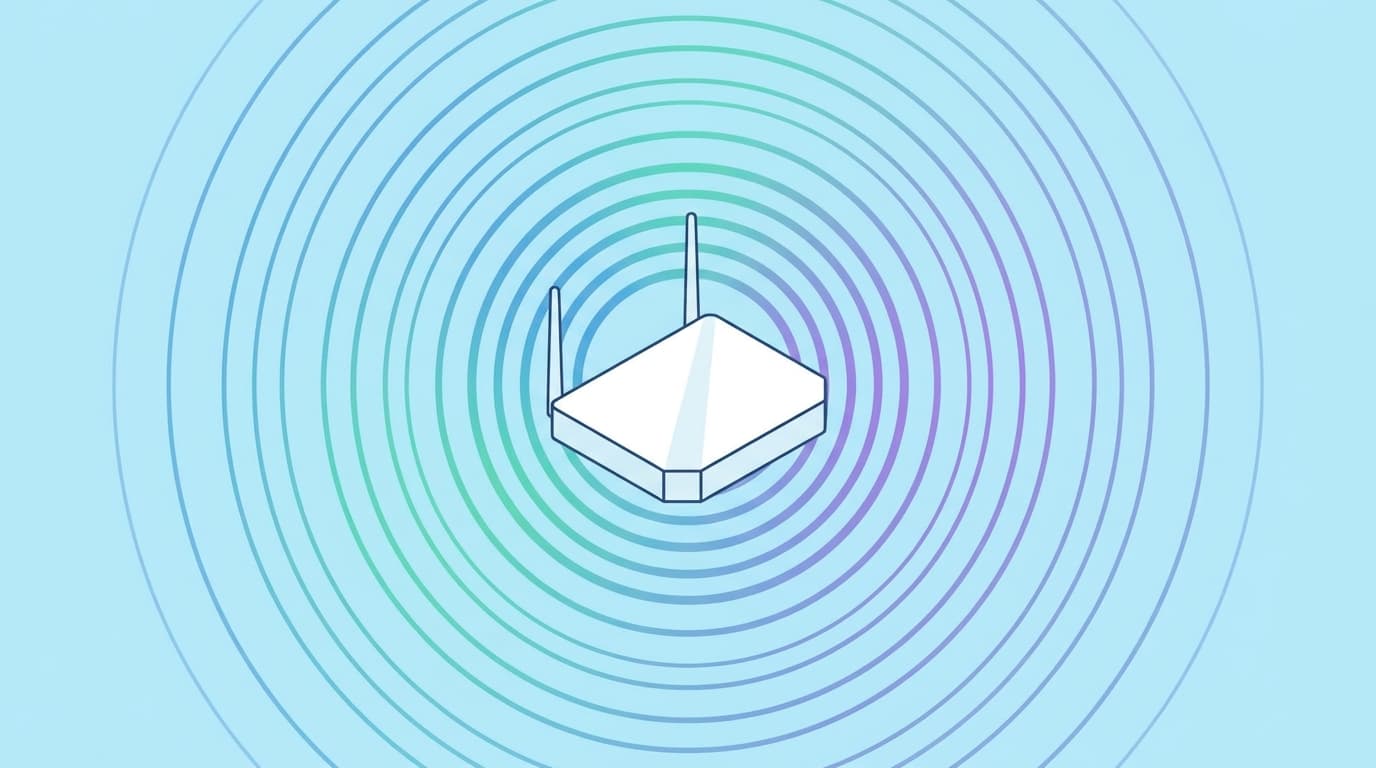
When you see a router with external antennas, those antennas broadcast the signal in specific patterns. Most external antennas are directional and will project a donut-shape of Wi-Fi signal around their axis . This is why placing your router in a central location in your home, at a reasonable height, helps the signal reach more of your rooms.
Channels: Dividing the Frequency Spectrum
Within the 2.4 GHz and 5 GHz bands, there are smaller divisions called channels. Think of channels like lanes on a highway—each channel carries data, and ideally, nearby routers use different channels to avoid blocking each other.
There are 3 non-overlapping channels on the 2.4GHz band . This limited number is why the 2.4 GHz band becomes crowded in apartment buildings and urban areas. All channels overlap with the 2.4 GHz band, so it's best to use channels 1, 6, and 11. The 5 GHz band inserts a small sliver of empty between each channel, so one channel doesn't interfere with its neighboring ones .
Security: Keeping Your Data Safe
When you send passwords, credit card information, or personal messages over Wi-Fi, you need protection. In January 2018, the Wi-Fi Alliance announced WPA3 as a replacement to WPA2. Certification began in June 2018, and WPA3 support has been mandatory for devices which bear the "Wi-Fi CERTIFIED™" logo since July 2020 .
WPA3 uses an equivalent 192-bit cryptographic strength in WPA3-Enterprise mode (AES-256 in GCM mode with SHA-384 as HMAC), and still mandates the use of CCMP-128 (AES-128 in CCM mode) as the minimum algorithm in WPA3-Personal mode .
WPA3 offers individualized data encryption for each device connected to the network, even in open Wi-Fi networks. This means that each device has its own encryption key, enhancing privacy and security . In older WPA2 networks, all devices shared one encryption key, which was less secure.
If your router supports WPA3, you should enable it for better protection. If your router supports WPA3, enabling it is highly recommended for stronger encryption, enhanced authentication, and better overall security .
Wi-Fi vs. Bluetooth: What is the Difference?
Many people confuse Wi-Fi and Bluetooth because both are wireless technologies that use radio waves. But they serve different purposes.
Bluetooth allows for short-range data transfer between devices. As an example, it is commonly employed in headsets for mobile phones, enabling hands-free phone use. Wi-Fi, on the other hand, allows devices to connect to the Internet. Bluetooth limits the number of devices that can connect at any one time, whereas Wi-Fi is open to more devices and more users .
Think of Bluetooth as a personal conversation between two people standing close together, and Wi-Fi as a public announcement system that can reach many people across a larger area.
A Brief History of Wi-Fi Standards
Wi-Fi technology has evolved significantly since its invention. The original version of the standard IEEE 802.11 was released in 1997 and clarified in 1999, but is now . It specified two net bit rates of 1 or 2 megabits per second (Mbit/s) .
The major commercial breakthrough came with Apple's adoption of Wi-Fi for their iBook series of laptops in 1999. It was the first mass consumer product to offer Wi-Fi network connectivity, which was then branded by Apple as AirPort .
Since then, the standards have evolved through several generations. In 2018, the Wi-Fi Alliance introduced simplified Wi-Fi generational numbering to indicate equipment that supports Wi-Fi 4 (802.11n), Wi-Fi 5 (802.11ac) and Wi-Fi 6 (802.11ax) . This simplified naming makes it easier for ordinary users to understand which version of Wi-Fi their device supports.
Modern routers may support Wi-Fi 5, Wi-Fi 6, or the newest Wi-Fi 6E and Wi-Fi 7 standards, each offering faster speeds and better efficiency than the previous generation.
Why Your Wi-Fi Sometimes Slows Down
Now that you understand how Wi-Fi works, you can understand why your connection might be slow or unreliable.
- Distance: The farther you are from the router, the weaker the signal.
- : WiFi uses radio waves (and there are many, many sources of radio waves, including space), these waves can collide with each other and interfere with the signal .
- Obstructions: Walls, metal objects, and dense materials block radio waves.
- Network congestion: Too many devices connected to the same router use up the available bandwidth (the amount of data that can be sent).
- Overlapping networks: In apartment buildings, many neighbors' routers may use the same channel, creating interference.
To improve your Wi-Fi, place your router in a central location, at a reasonable height, away from metal objects and microwave ovens. Use the 5 GHz band for devices that are close to the router and need high speed. Use 2.4 GHz for devices that are far away or need to .
Conclusion
Wi-Fi is a remarkable technology that has transformed how we connect to the internet. Maxwell's elegant theory explains how the alternating current in the first wire causes a "radio wave" of alternating electrical and magnetic fields to radiate out in all directions at the speed of light . This foundation of physics, discovered over a century ago, powers the wireless networks we use every day.
The next time you connect to Wi-Fi, remember that invisible radio waves are carrying your information through the air. Wi-Fi currently carries more than 60% of the world's Internet traffic . Understanding how Wi-Fi works helps you use it more effectively and troubleshoot problems when they arise.
Share
Test yourself
Which of these radio frequencies do most Wi-Fi routers use?
Sources
Related articles

Data Analytics for Dummies: A Complete Beginner's Guide
Learn what data analytics is, why it matters, and how businesses use it to make better decisions. A complete guide for beginners with clear explanations and real examples.

Quantum Computing: What the Heck Is That?
Quantum computers harness the strange laws of quantum physics to process information in fundamentally new ways. Here's what you need to know about this emerging technology.

Understanding Spirituality in 2026: A Guide to Modern Beliefs and Practices
Spirituality in 2026 is shifting toward personal, flexible practices that blend technology with timeless traditions. Young people are choosing individual spiritual paths over formal religion while seeking meaning and connection.